Your Ray-Ban Meta glasses,
with a brain.
Say “Hey Jarvis” and ask anything. MetaView sees what you see, reads, translates, coaches and streams, answering right in your ear.
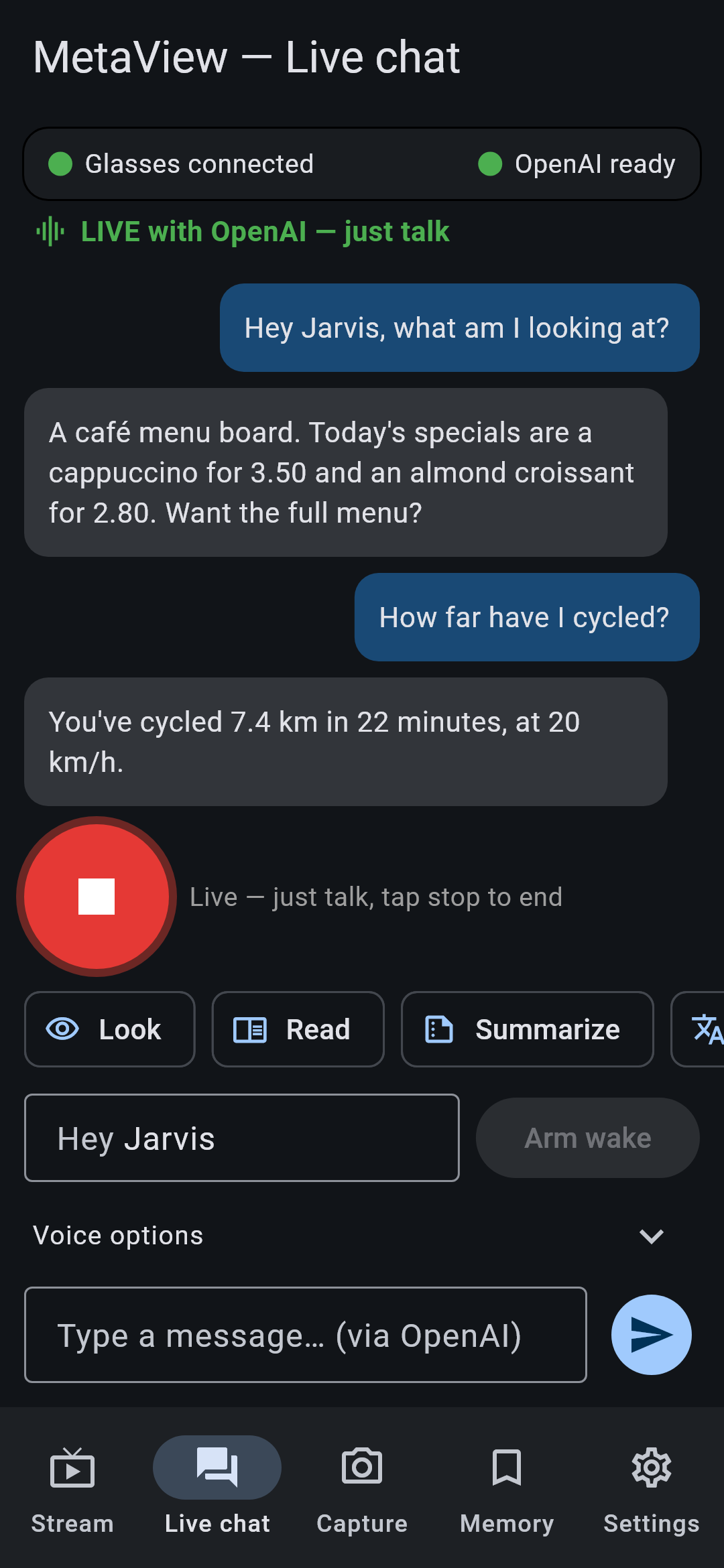
Say “Hey Jarvis” and ask anything. MetaView sees what you see, reads, translates, coaches and streams, answering right in your ear.
Works with OpenAI, Google Gemini or xAI Grok. Bring your own key, kept only on your phone.
“What am I looking at?” Scenes, objects, plants, landmarks and products.
Signs, menus and documents, read aloud or summed up in seconds.
Hears the people around you and speaks the translation in your language.
Watches your real board live and tells you the best next move.
Scan with your glasses; links open with one tap.
“Remember I parked on level 3.” Ask about it later.
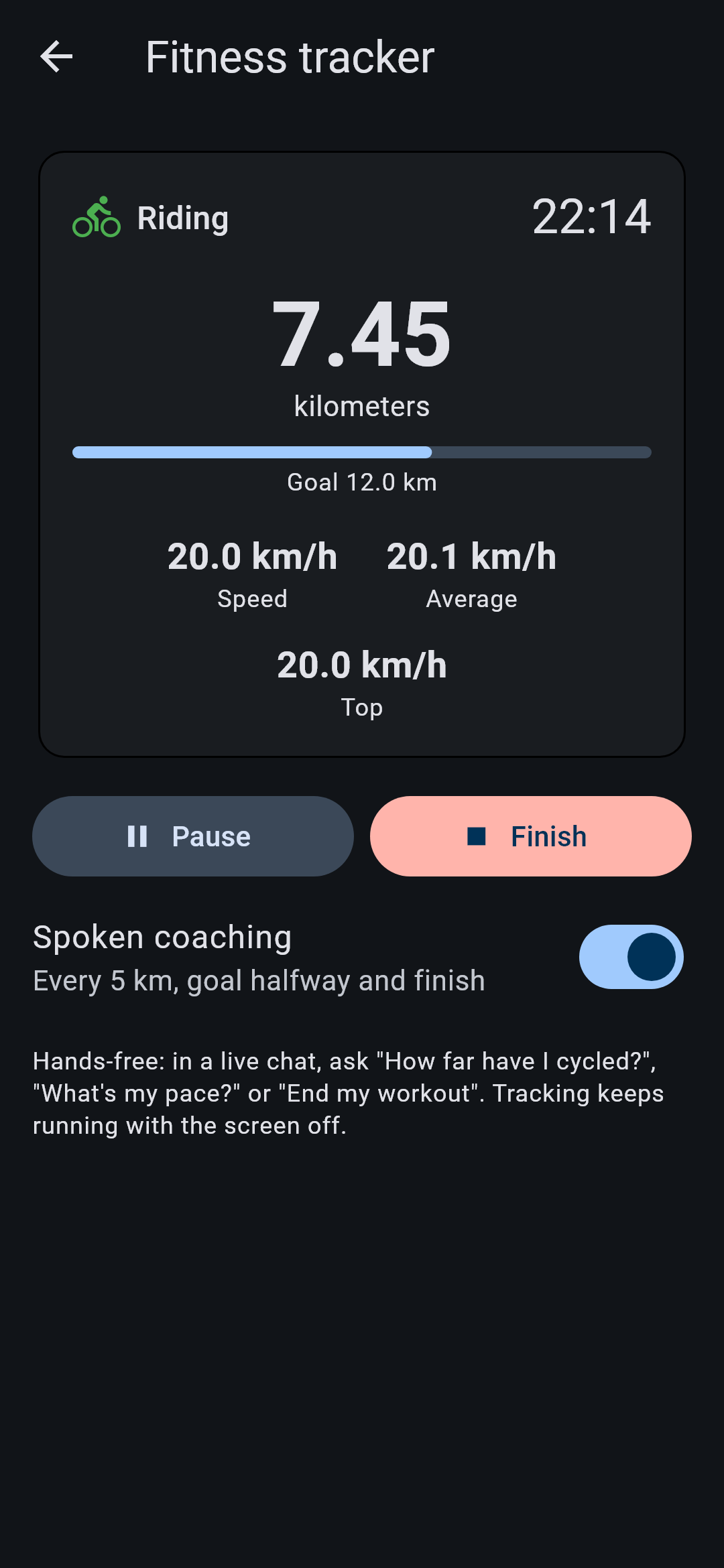
Walk & cycle with GPS and spoken coaching. “How far have I cycled?”
“Take me to the nearest pharmacy.” Opens Google Maps directions.
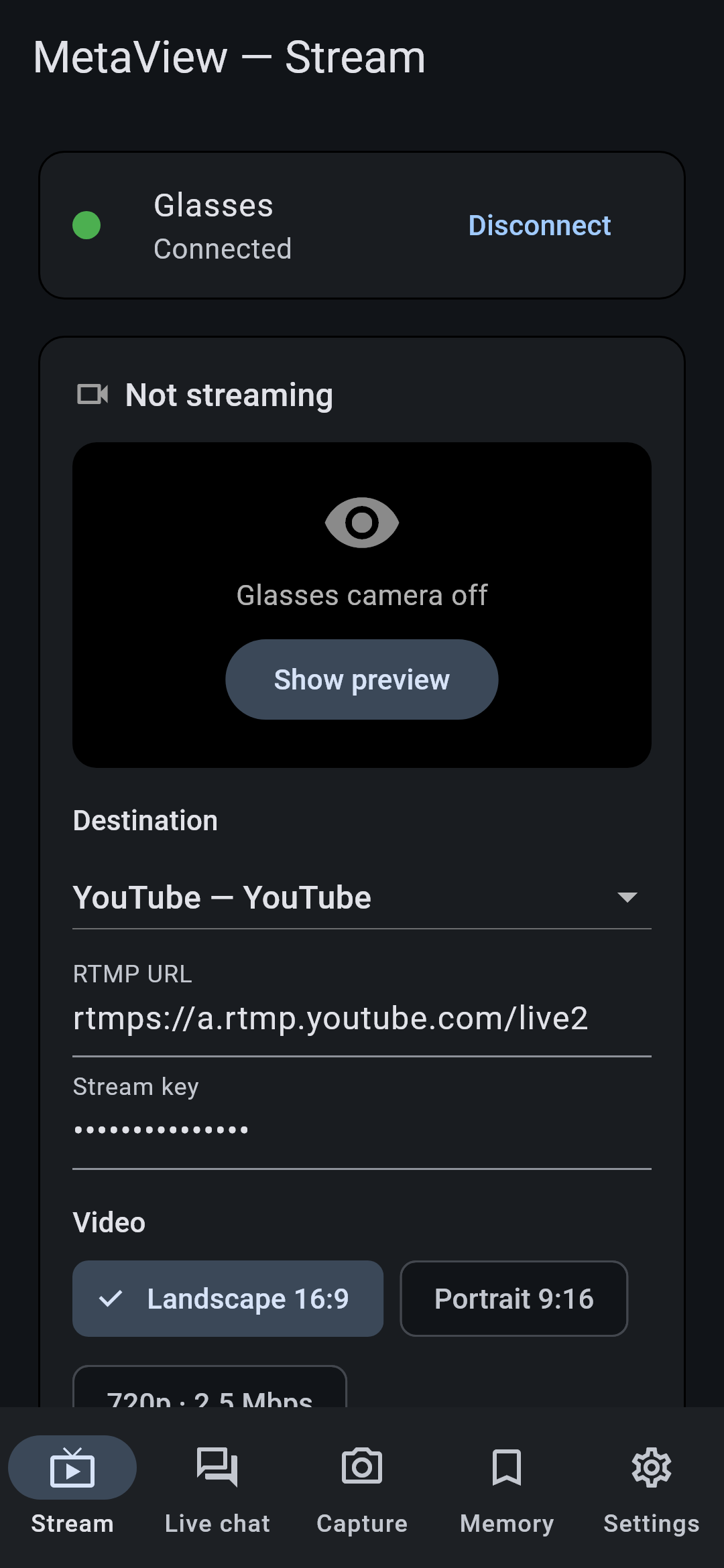
Stream your point of view to YouTube, Twitch, Kick or OBS.
Your own wake name, works with the screen locked, no internet needed.
Capture from the glasses in portrait or landscape.
No account, no ads, no tracking. Your keys never leave your phone.
You need Ray-Ban Meta glasses, the Meta AI app and an AI key.
Android 12+ (64-bit). Download the APK, open it and allow Install unknown apps.
iOS 16+. iPhone installs work for registered devices only.
1. You must enable Developer Mode on your iPhone. Go to Settings → Privacy & Security → Developer Mode, turn it on, then restart your iPhone and confirm.
2. Request access with your iPhone's UDID (Finder on a Mac, or the Apple Devices app on Windows → click the serial number).
3. Once approved, open this page in Safari on the iPhone:
If iOS asks: Settings → Privacy & Security → Developer Mode → On, then restart.